
 EN
EN
 ar
ar bg
bg hr
hr cs
cs da
da nl
nl fi
fi fr
fr de
de el
el hi
hi it
it ko
ko no
no pl
pl pt
pt ro
ro ru
ru es
es sv
sv tl
tl iw
iw id
id lv
lv lt
lt sr
sr sk
sk sl
sl uk
uk vi
vi et
et hu
hu th
th tr
tr fa
fa ms
ms hy
hy ka
ka ur
ur bn
bn mn
mn ta
ta kk
kk uz
uz ku
ku
Safety Warning / Alert System
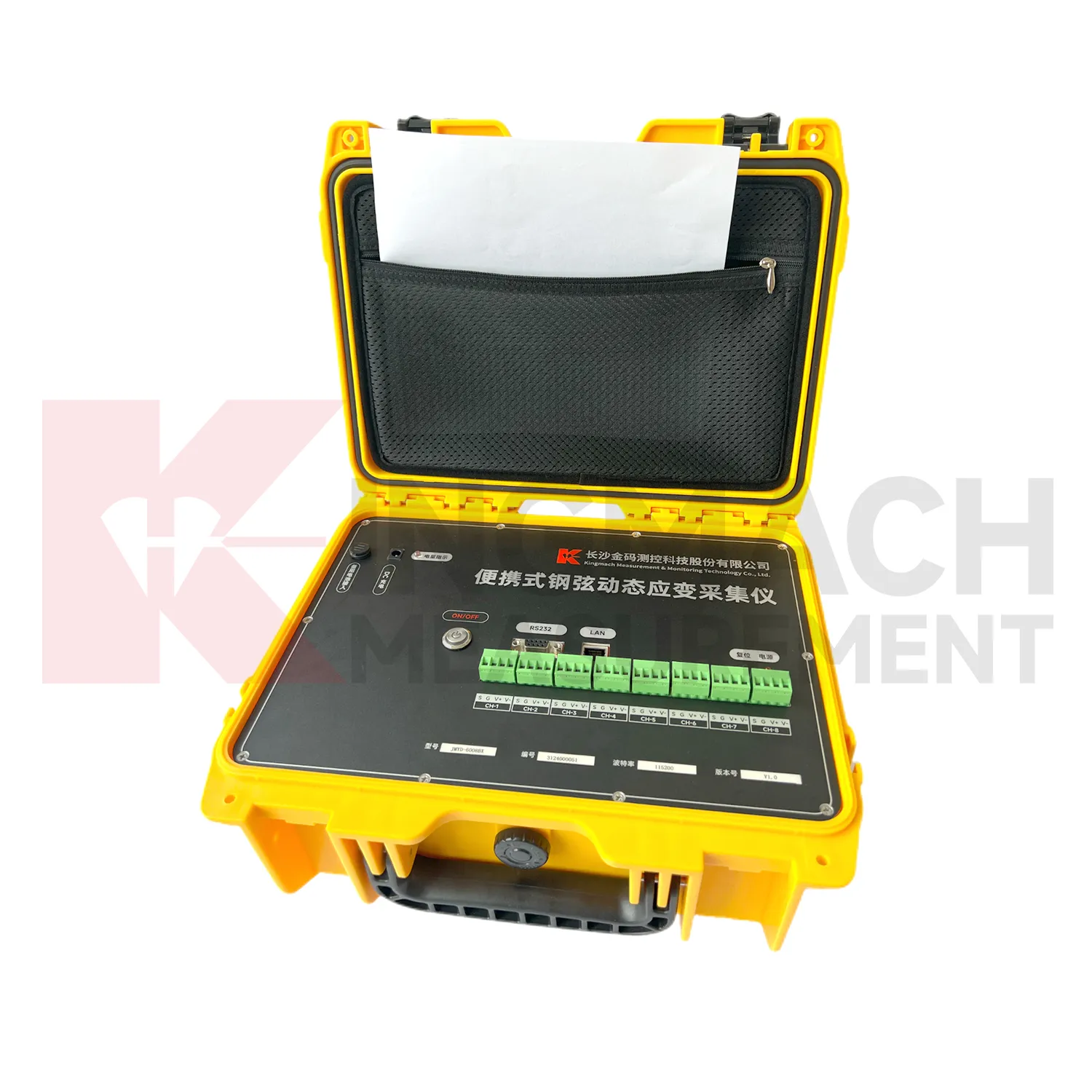
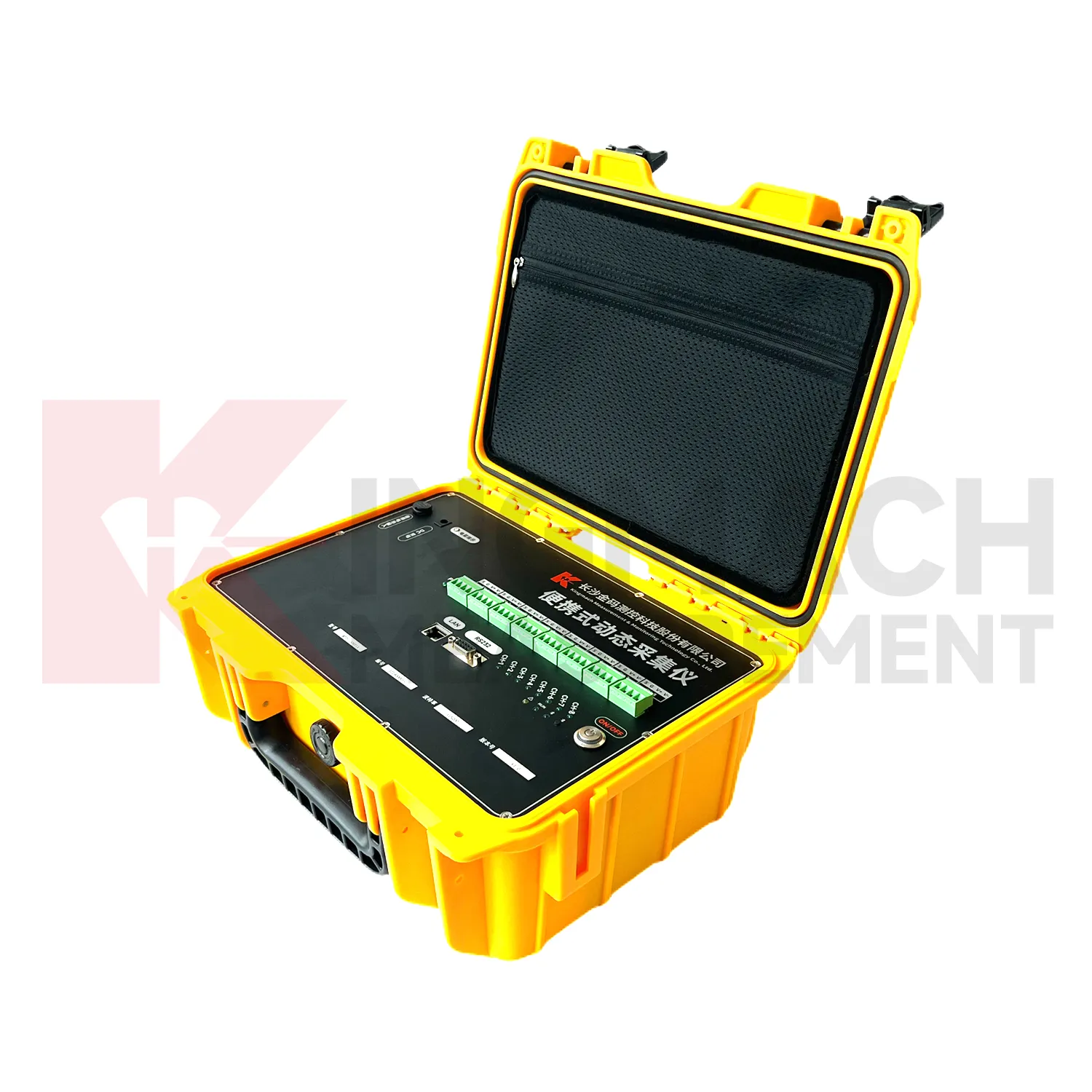
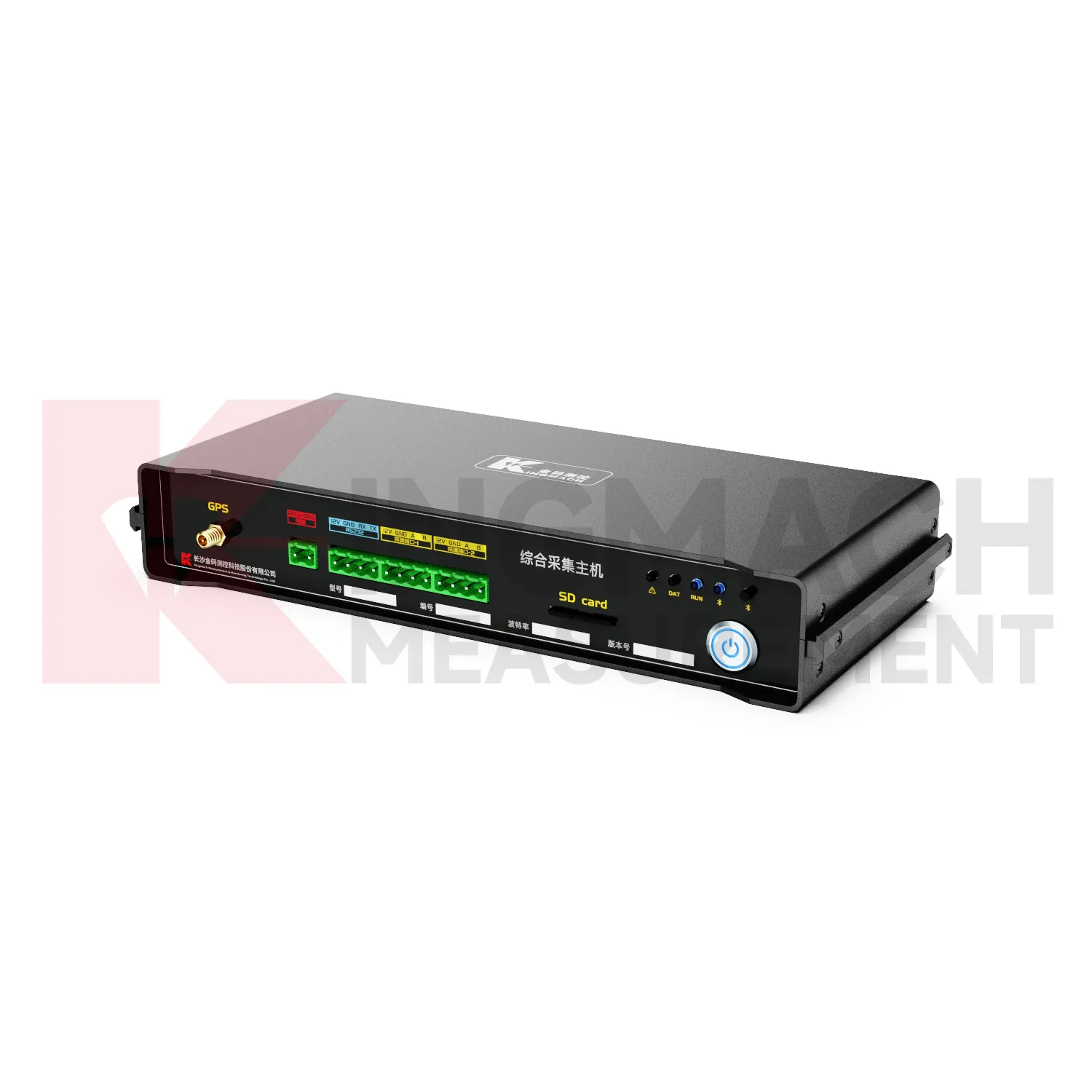
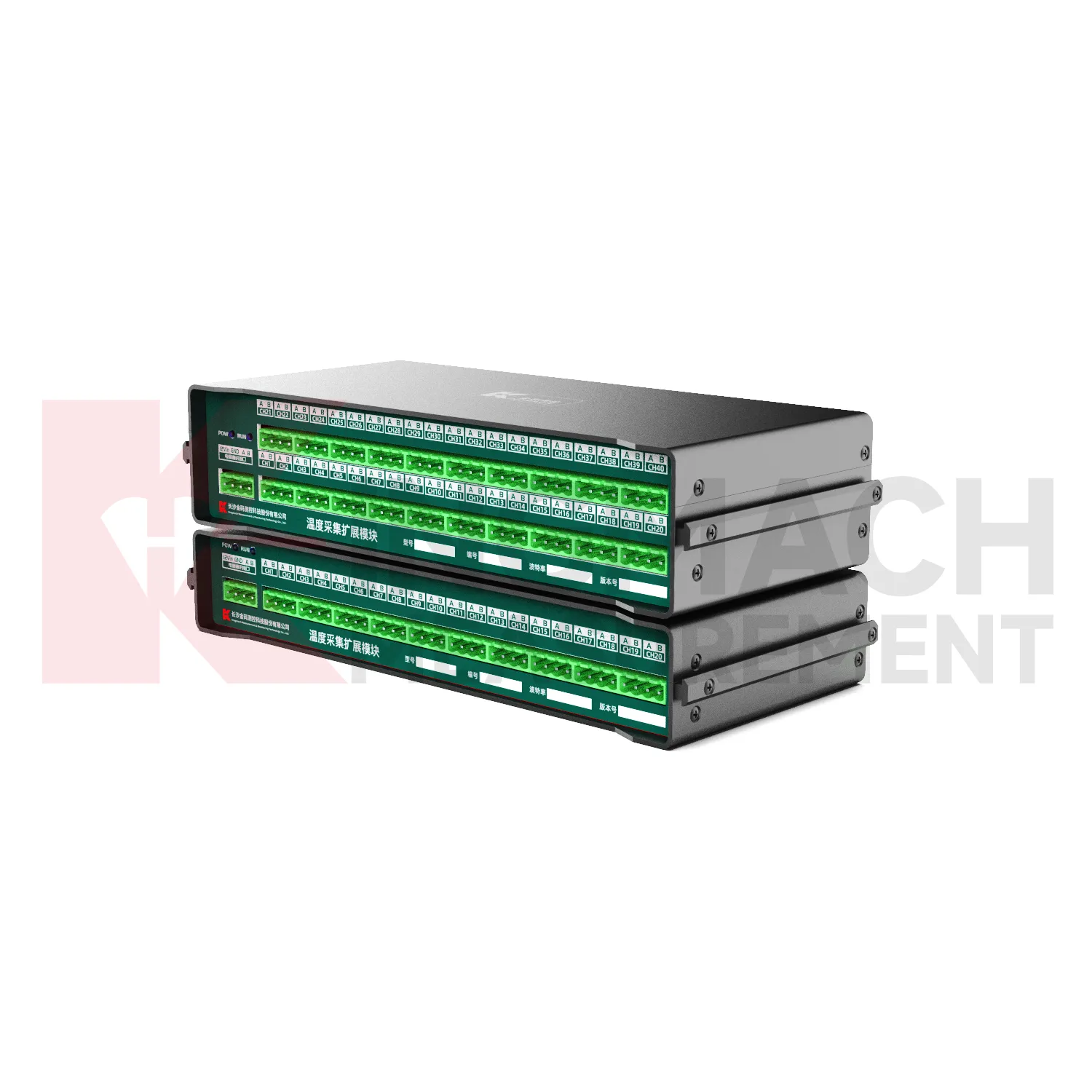
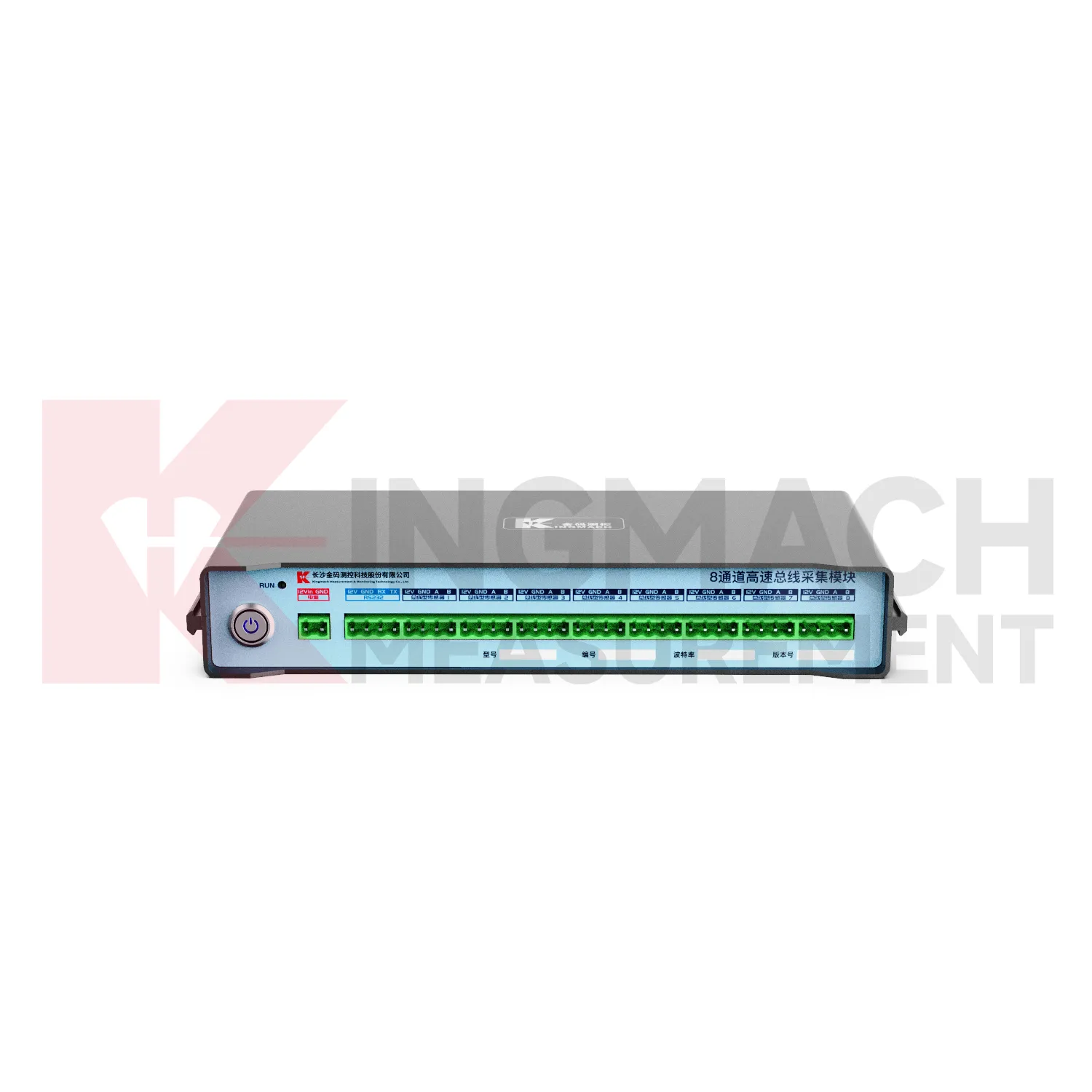
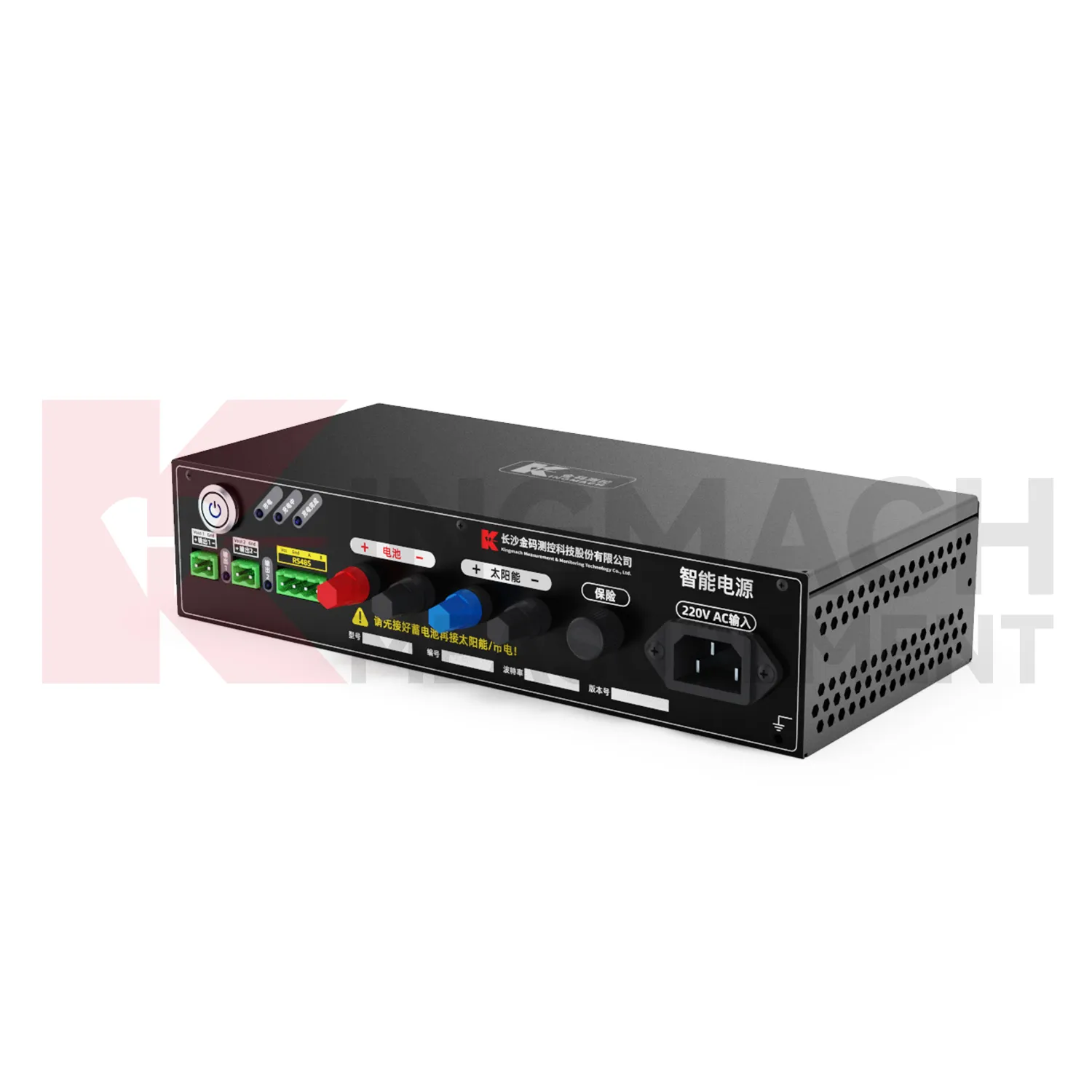
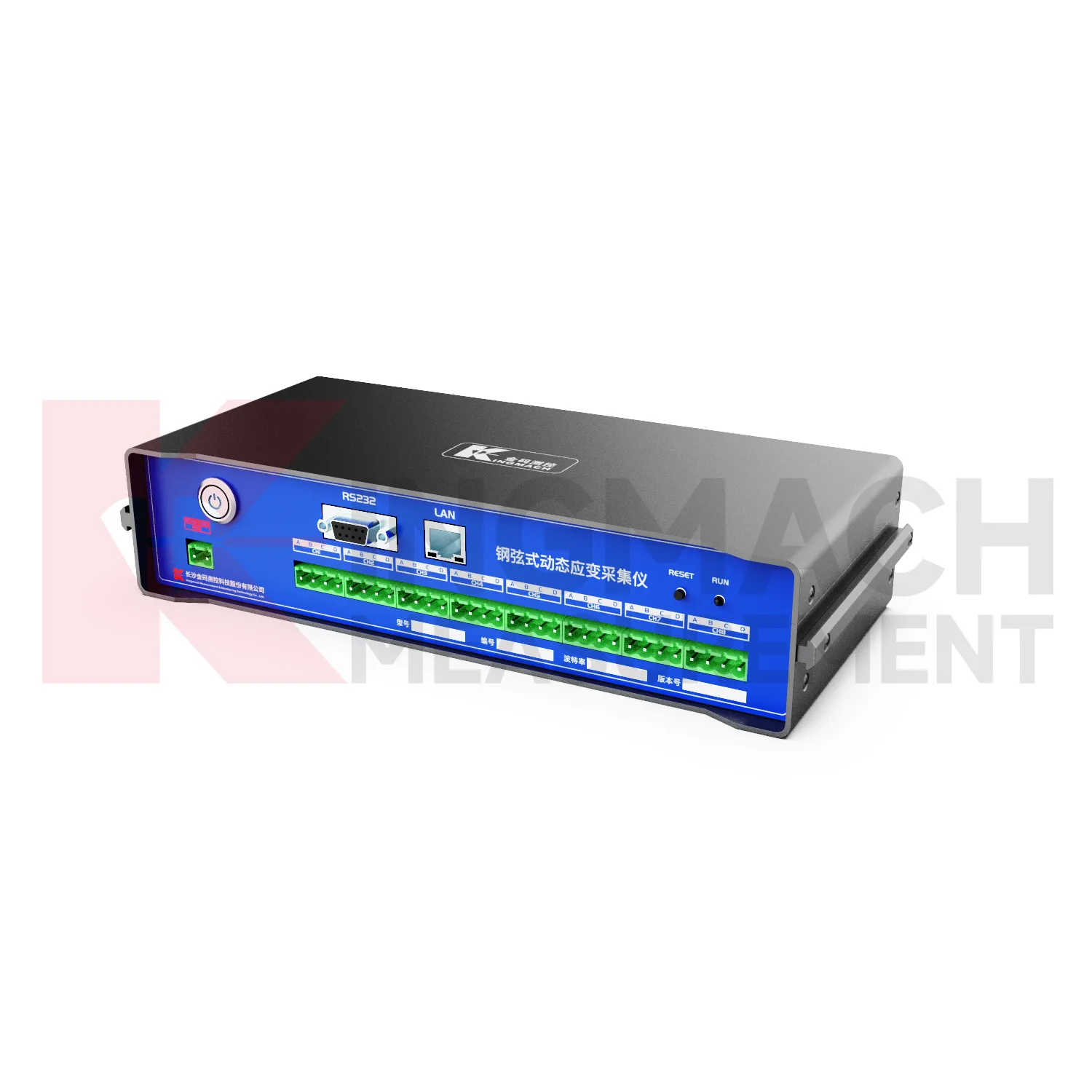
Kingmach Safety Warning / Alert System are often selected when a project needs both confidence in individual sensors and organized data management. A sensor may be accurate, but the record can still become difficult to use if channels are mislabeled, upload intervals are unclear, or field notes are separated from values. Acquisition devices reduce that risk when they keep the measurement process disciplined. A readout can verify the point, a logger can continue collection, and a platform connection can support later review. This is important for dams, bridges, tunnels, slopes, buildings, mines, and civil structures where safety-related interpretation depends on a reliable time history. The device also helps teams detect management problems early. Missing intervals, repeated channel names, unexpected upload gaps, or values stored under the wrong point can weaken confidence even when the sensor is healthy. A disciplined acquisition setup gives each reading a clear origin and makes later review easier for engineers, owners, and maintenance teams. That discipline turns individual sensor signals into a usable project record. In long projects, this is important because construction teams, monitoring specialists, and asset managers may all handle the same data at different times. Clear acquisition discipline keeps their work connected. across project phases. and audits.
Application of Safety Warning / Alert System
Railway, subway, and transportation projects use Kingmach Safety Warning / Alert System to capture sensor readings during dynamic loading, construction disturbance, and long-term operation. Portable acquisition instruments can be used for vibration or strain events during train passage, while fixed loggers can record settlement, displacement, tilt, or environmental changes along monitored sections. The device should support clear channel naming because many points may be installed along a line, tunnel, bridge, or station box. Timing is also important: event records need enough resolution to connect the measured response with traffic or construction activity. A disciplined acquisition workflow helps owners compare repeated events instead of treating each reading as isolated. Transport monitoring often depends on matching measurement time with operating schedules. A train passage, platform work, nearby excavation, or maintenance closure can explain a short response that would be confusing in a monthly trend alone. The acquisition record should therefore keep route section, structure name, event time, sensor group, and operating note together. This helps engineers compare repeated passages and identify changes that deserve field inspection. For subway and railway assets, this is useful when night work, train intervals, tunnel ventilation, and station activity change the background condition around the sensors. during later technical review. safely.
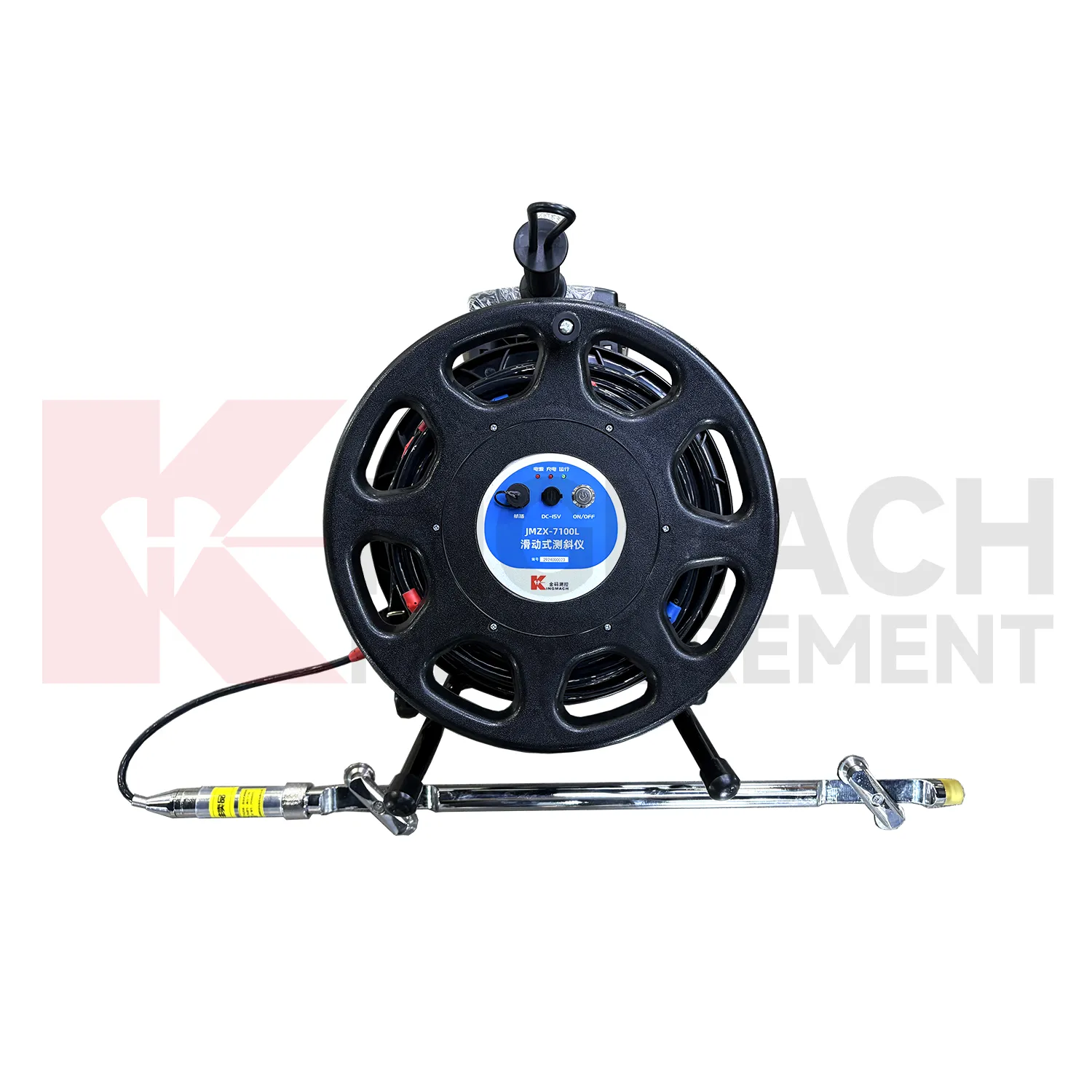
The future of Safety Warning / Alert System
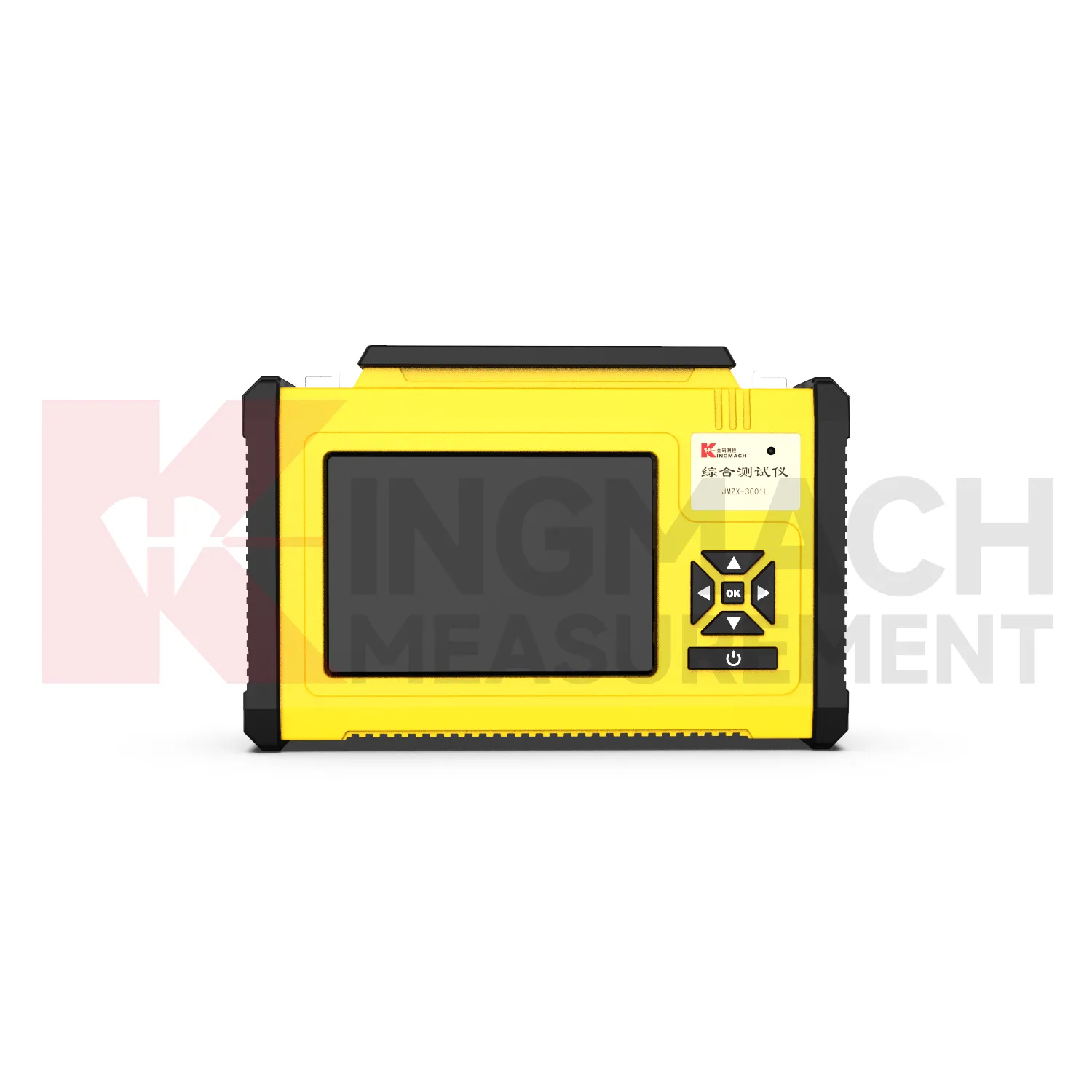
Future Kingmach Safety Warning / Alert System will support cleaner integration between portable field checks and automatic data logging. A technician may verify a sensor with a handheld readout, then connect the same point to a logger for routine acquisition. The future workflow should keep these records aligned through consistent channel names, sensor identities, time stamps, and handover notes. This helps owners compare first values, commissioning checks, maintenance readings, and automatic trends without rebuilding the record manually. Better continuity will reduce confusion when projects move from installation to long-term operation. Future systems can also keep the first verified reading beside the later automatic trend. If a sensor is repaired, replaced, or moved, the handover note can show where the continuity changed. This will help owners understand whether a trend shift came from the monitored structure, the sensor point, or the acquisition setup. This continuity is especially useful when commissioning records must remain comparable with long-term operation data.
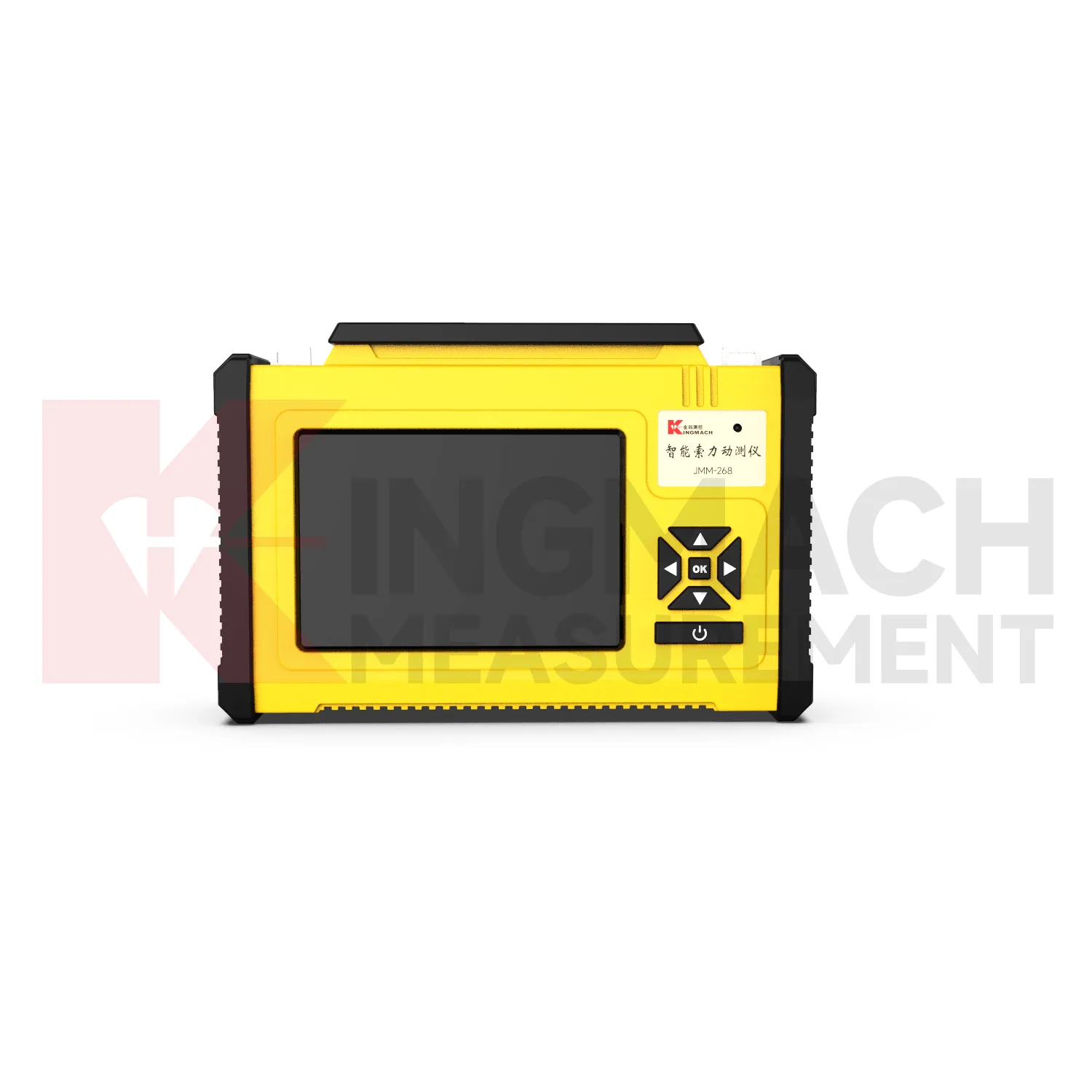
Care & Maintenance of Safety Warning / Alert System
Care and maintenance of Kingmach Safety Warning / Alert System should begin with channel and point identity. Every readout or logger record should match the physical sensor point, cable label, channel name, and project location. If labels fade, cables are moved, or channel names are changed without notes, later reviewers may not know which structure or sensor produced the value. Maintenance staff should keep updated channel lists, point photos, and connection diagrams. After a repair or reconnection, the first stable reading should be saved with a note about the work performed. This protects the monitoring history from avoidable confusion. Identity checks are especially important after sensor replacement or cabinet work. A technician should confirm the physical point before accepting a reading, then update the channel map if anything changed. This simple habit prevents a good value from being assigned to the wrong structure. during later review. by engineers and owners. over time. safely. clearly.
Kingmach Safety Warning / Alert System
Kingmach Safety Warning / Alert System help bridge the gap between measurement hardware and engineering decisions. Sensors create signals, but owners and contractors need records that can be reviewed, exported, compared, and explained. A readout may confirm installation quality during a short site visit. A wireless logger may keep recording through rain, night work, or restricted access. A dynamic acquisition unit may capture synchronized events that ordinary slow logging would miss. These roles are different, yet they share the same purpose: keeping sensor information traceable. The best acquisition plan defines power, channel count, communication method, storage duty, and data review before instruments are installed. Once those details are defined, the team can decide which device belongs at each point. A temporary test may need a portable unit, while a remote slope station may need low-power upload and local storage. Matching device role to monitoring purpose makes the record easier to trust. across the project lifecycle.
FAQ
Q: Where are these devices used?
A: They are used in bridges, tunnels, dams, slopes, buildings, foundation pits, railways, mines, industrial testing, and other monitoring projects.
Q: Why combine readouts with loggers?
A: Readouts confirm field points during visits, while loggers keep collecting data between visits. Together they support both verification and continuity.
Q: What should a remote station show?
A: A remote station should show acquisition status, last upload time, power condition, active channels, storage condition, and recent maintenance history.
Q: How do these devices support reports?
A: They keep readings traceable by time, channel, sensor type, location, and device status so engineers can explain trends and events more clearly.
Q: What causes confusing readings?
A: Loose cables, wrong channel names, weak power, wet enclosures, changed settings, sensor faults, or real site changes can all create confusing records. The record stays useful when point names, channel labels, sensor type, measurement time, and field condition are kept together, because later reviewers can connect the number with the actual structure and inspection history.
Reviews
Daniel Brown
Excellent environmental monitoring sensors. The data is consistent, and the system integrates smoothly with our existing setup.
Joshua Clark
We ordered a full monitoring solution including sensors and data loggers. Everything works seamlessly together. Great supplier!
Latest Inquiries
To protect the privacy of our buyers, only public service email domains like Gmail, Yahoo, and MSN will be displayed. Additionally, only a limited portion of the inquiry content will be shown.
Ava***@gmail.comAustralia
Hi, I am looking for reliable tiltmeters and accelerometers for structural health monitoring. Please...
Mia***@gmail.comNetherlands
Dear team, we are interested in your readouts & data loggers compatible with multiple sensors. Do yo...